THDPM-1 Log On Connect Mode
Introduction
The Log On Connect feature in THDPM-1 is designed for production environments where continuous testing of multiple devices is required. This feature automates the data logging process, eliminating the need for manual intervention.
How It Works
- Connect a new load: When a new device is connected to the THDPM-1, the system automatically detects it.
- Automatic data logging: The meter logs all relevant data to the connected pen drive with a unique serial number.
- Disconnect the load: When the device is disconnected, the system automatically increments the serial number for the next test.
- No manual operation required: The entire process happens automatically without requiring the operator to press any buttons.
Benefits
- Increased productivity in production environments
- Elimination of human error in data logging
- Continuous operation without manual intervention
- Automatic serial number management
- Seamless integration with existing production workflows
Requirements
- THDPM-1 device with Log On Connect feature enabled
- USB pen drive (up to 16GB supported)
- Proper device connections
Setup Instructions
- Connect the pen drive to the THDPM-1 USB port
- Ensure the Log On Connect feature is enabled in the settings
- Connect your device under test to the THDPM-1
- Data will automatically be logged when the device is detected
- Disconnect the device when testing is complete
- The system will automatically prepare for the next test with an incremented serial number
THDPM-1 Resources
Related Products
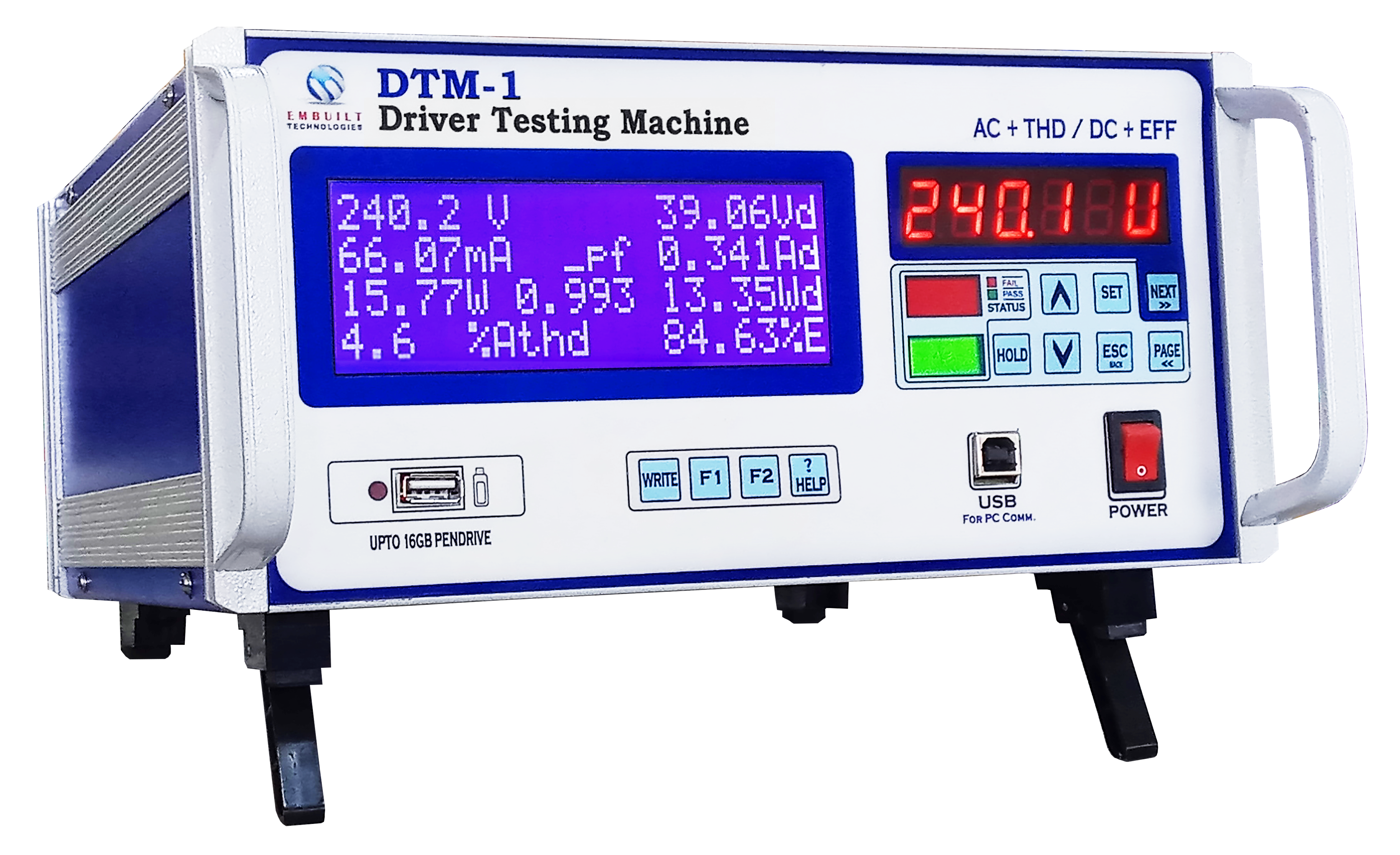
DTM-1
Digital Tester for LED Drivers
.webp)
THDPM-1
Total Harmonics Distortion Power Meter
DPA-1i
Digital Power Analyzer