DTM Model Selection Setting
1. Main Screen Display
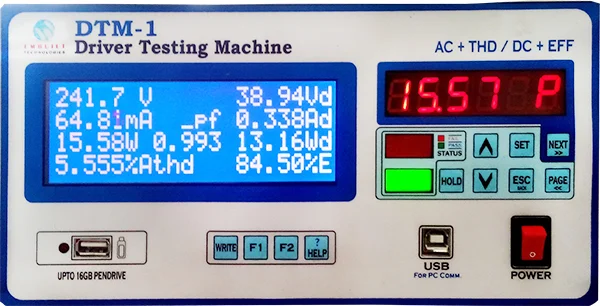
Press SET button for go to setting page. on main screen, setting page 1/16 display.
2. Navigate to Model Selection
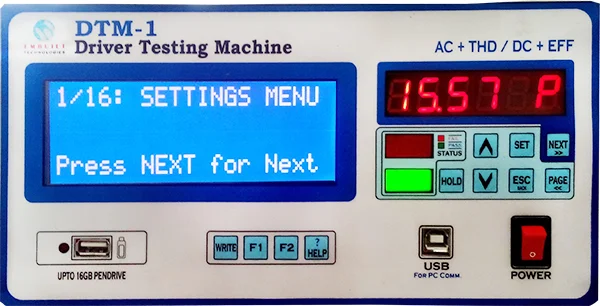
Press NEXT button and go to the page 5/16.
3. Select Model
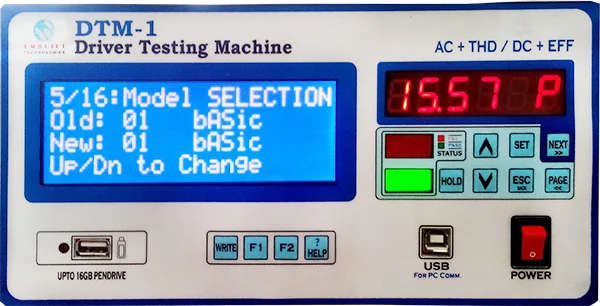
Press UP / DOWN to select your work Model.
There are total 25 model selection modes
4. Save Model Settings
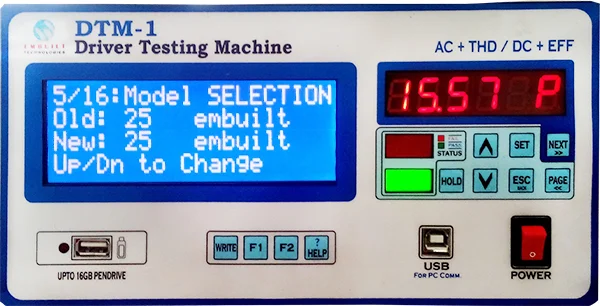
Press NEXT or PAGE button to save your setting.
Old: 25 embuilt, shows your current model
New: 25 embuilt, will be changed by pressing UP / DOWN buttons
5. Return to Main Screen

Press ESC/BACK to return main screen after setting completed.
DTM-1 Resources
Related Products
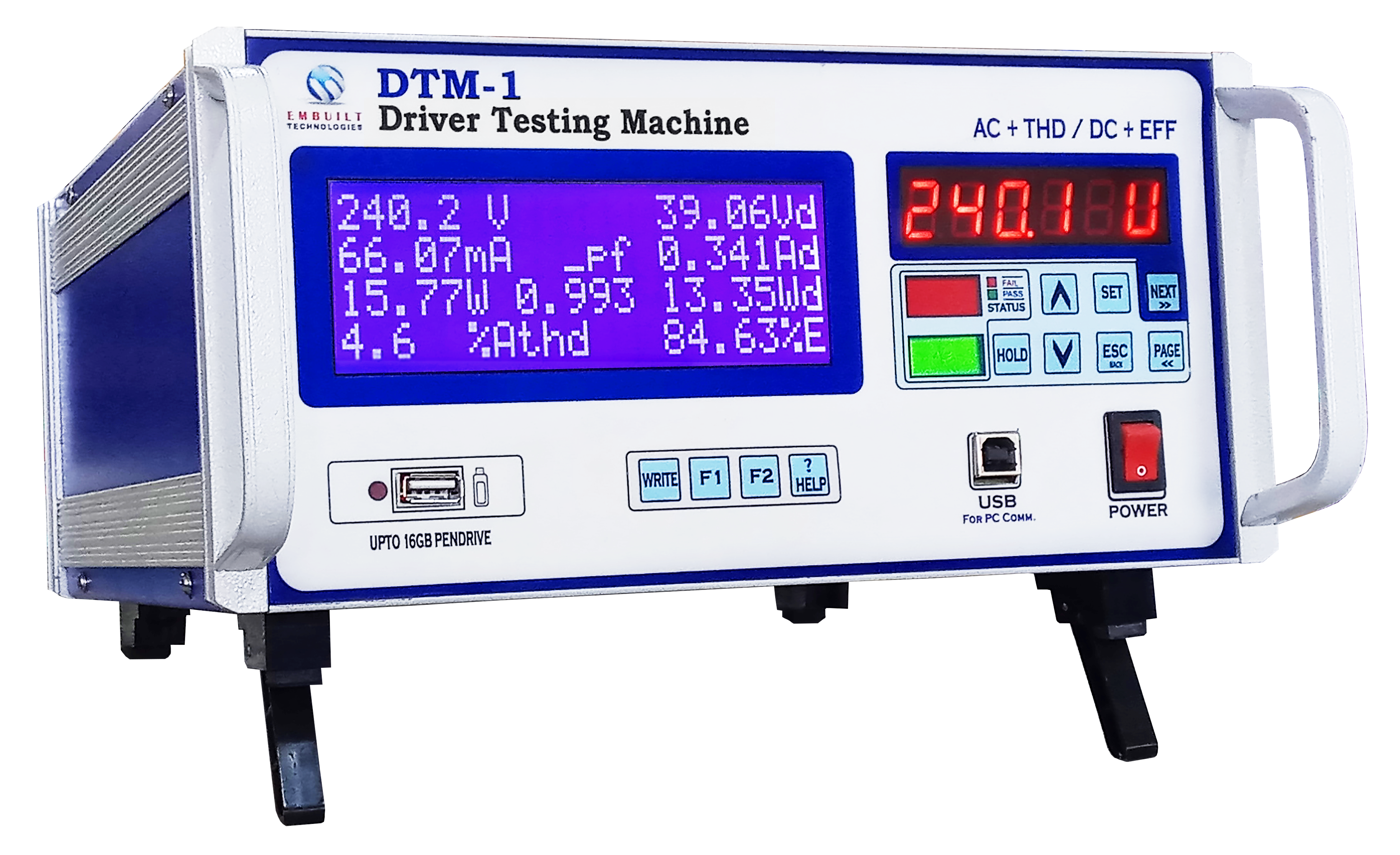
DTM-1
Digital Tester for LED Drivers
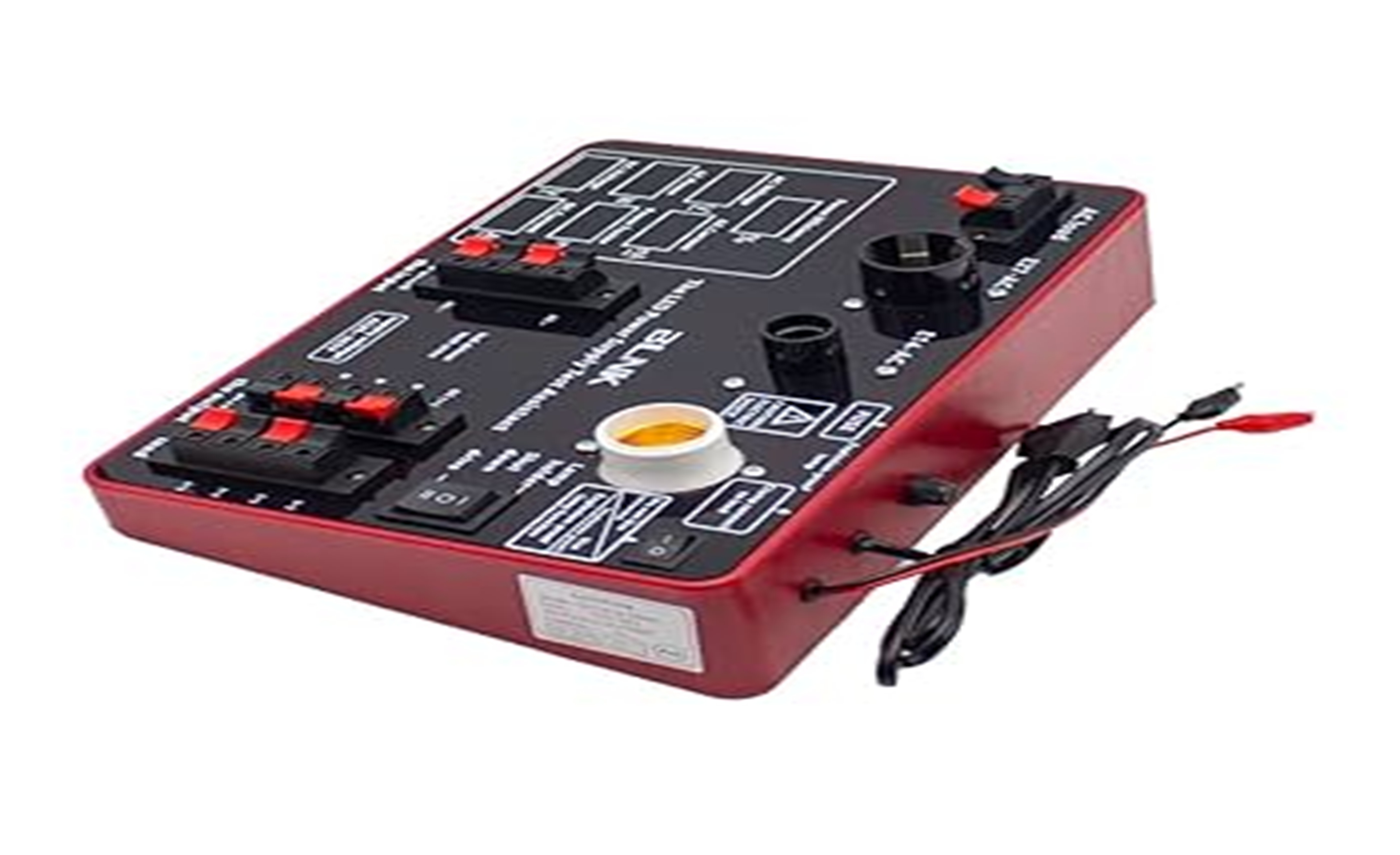
THDPM-1
Total Harmonics Distortion Power Meter
DPA-1i
Digital Power Analyzer